We’re happy to share APS v.4, featuring the first release of the media player for macOS, along with major internal improvements to the Windows version. The new version is out now, and available from here:
Download APS for Mac and Windows
Media player for Mac
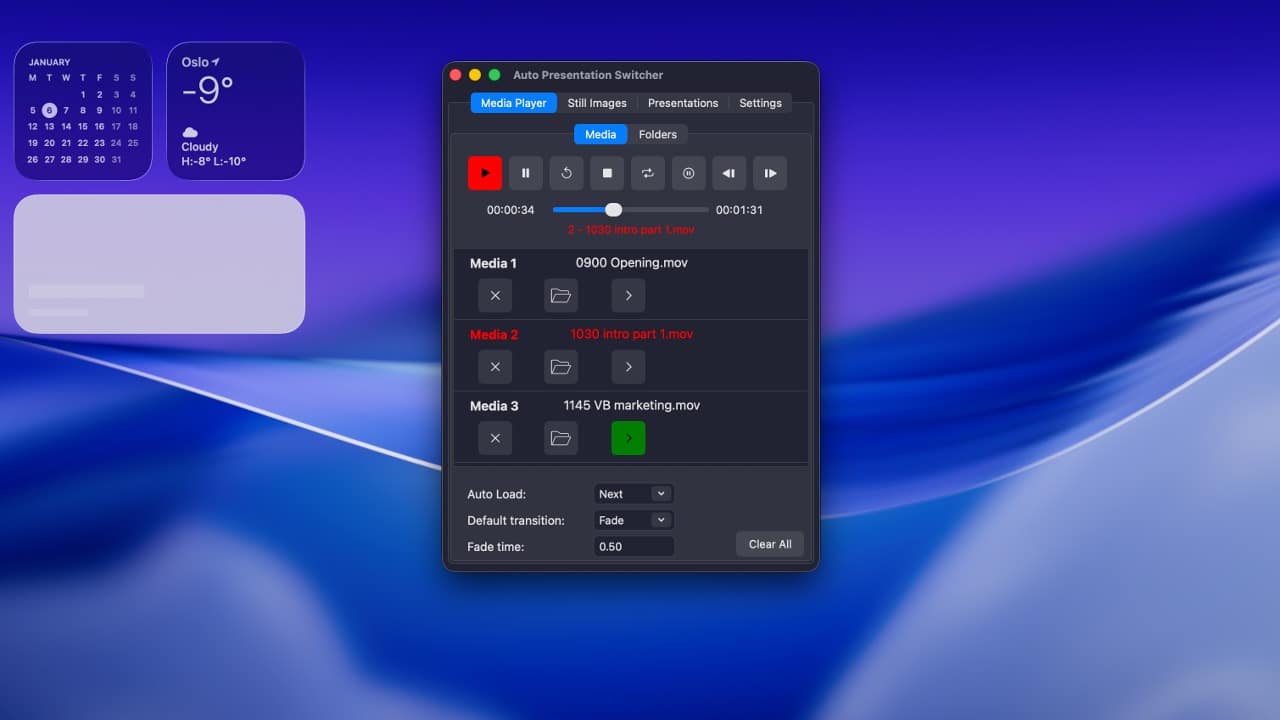
APS v.4 introduces the first version of the built-in media player for macOS.
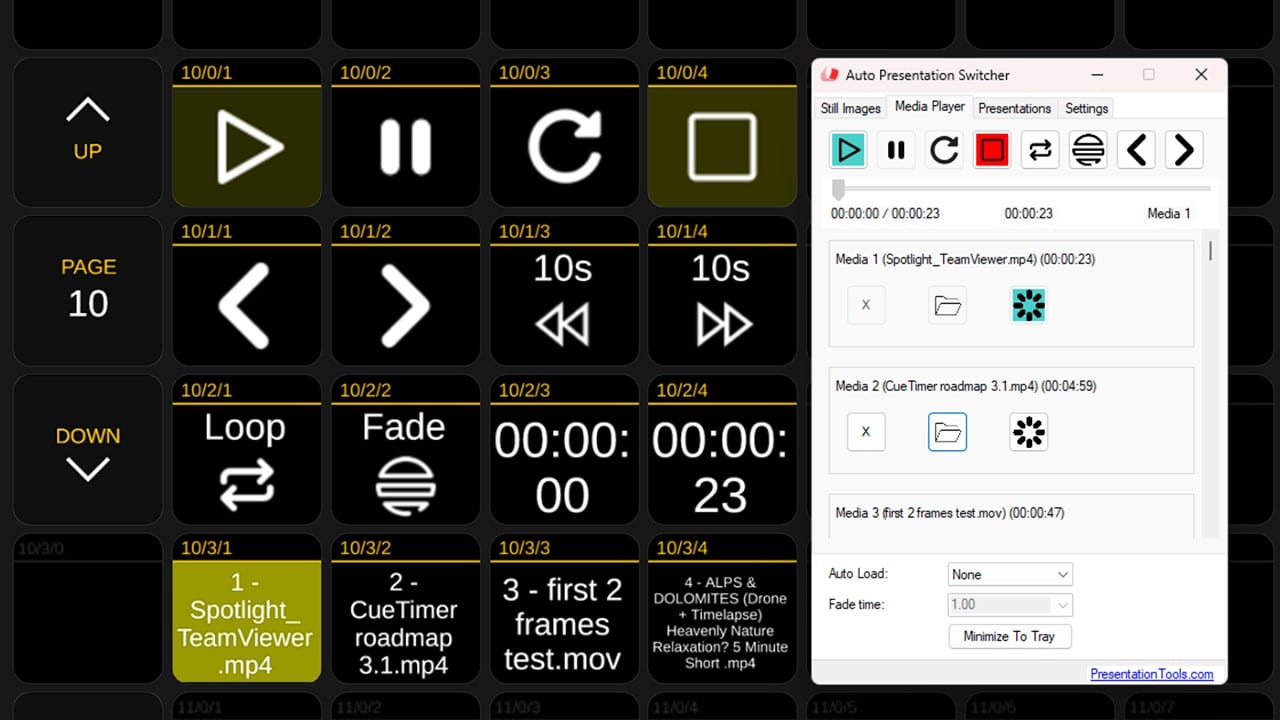
You can now play videos, audio files, and images directly from APS on both platforms. The media player can be used as a standalone playback solution, or as part of a workflow where you seamlessly switch between presentations and media content on the same display.
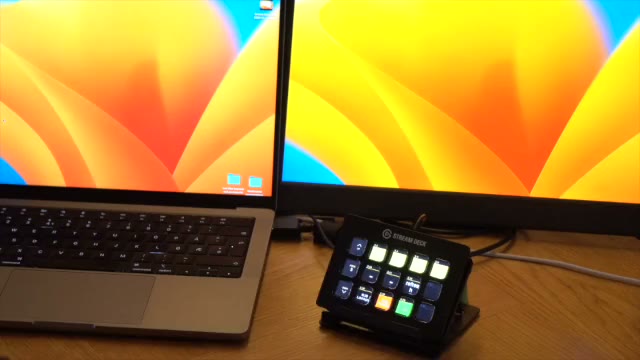
Together with Companion, the media player can be controlled from a Stream Deck, allowing you to run media playback during live events without touching the APS user interface.
If you’ve used the media player in the Windows version before, the Mac version offers roughly the same feature set. Internally, however, it is built very differently. The macOS version takes full advantage of native macOS media playback technologies, resulting in smooth playback, efficient use of system resources, and better long-term stability across macOS versions.
Below is a video demonstrating how the media player works on Windows. The Mac version behaves very similarly in practice.
APS v.4 for Windows: New graphics engine
While the Windows version of APS v.4 looks largely the same on the surface and does not introduce new user-facing features, this release includes major internal changes that form the foundation for a more stable and predictable media engine going forward.
In previous versions, APS relied on a combination of OpenGL for images and libVLC (VLC wrappers) for video playback. In APS v.4 for Windows, this has been completely replaced.
All video, audio, and image playback is now handled exclusively by native Windows media technologies, tightly integrated with the operating system.
What has changed internally?
- Video playback now uses Windows’ built-in media framework with GPU-accelerated rendering, providing smoother playback and more predictable timing.
- Audio playback is handled by the same native media engine, giving consistent behavior for, seeking, looping, and synchronization.
- Image rendering has been rebuilt using Windows’ native image decoding and GPU-based rendering, replacing the previous OpenGL solution.
All rendering is now performed on the GPU, with native components handling decoding and timing, and a clean interface exposed to the main application.
Smaller, cleaner installer
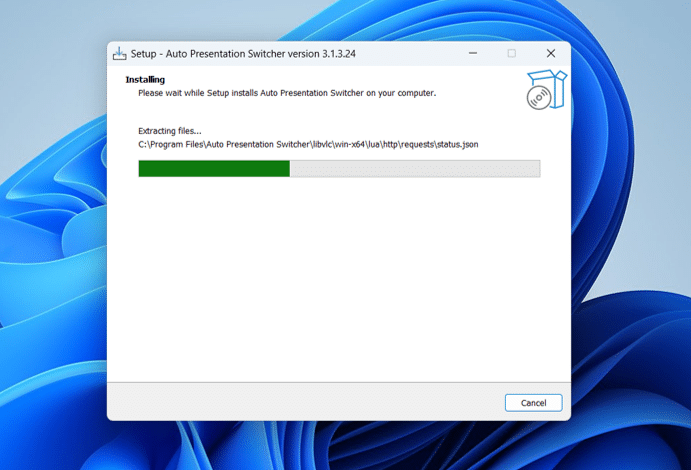
One very visible result of this refactor is a dramatically reduced installer size:
- Previous Windows installer: 66 MB
- APS v.4 Windows installer: just under 4 MB
By removing large third-party media libraries and relying on Windows’ built-in components instead, downloads are faster, installation is simpler, and there is less that can break or drift over time.
Technical details
macOS – Media Player
- Built entirely on native macOS media frameworks, with no bundled third-party playback libraries
- Video and audio playback use Apple’s system media engine with hardware-accelerated decoding and rendering
- Layer-based GPU compositing ensures smooth fullscreen output
- Media is prepared in the background to enable seamless transitions between items
- Images are displayed using the same rendering system as video, allowing consistent fades and transitions
- Relies on macOS system decoders and media services for long-term stability and OS compatibility
Windows – Media Engine
- Video and audio playback powered by Windows Media Foundation
- GPU-accelerated rendering via Direct3D
- Native media engine implemented in C++ and integrated into the C# application
- Images decoded using Windows’ built-in imaging components and rendered on the GPU
- No bundled third-party media libraries