Auto Presentation Switcher
Admin
Buy from $40/yr

Create custom interfaces for APS

Our public API makes it possible to interact with Auto Presentation Switcher in lots of different ways: for example, you can control APS from Crestron panels, make a superpowered presentation-clicker, or make your own web-app for controlling presentations.
The API is the same as we are already using for our popular Companion-module.

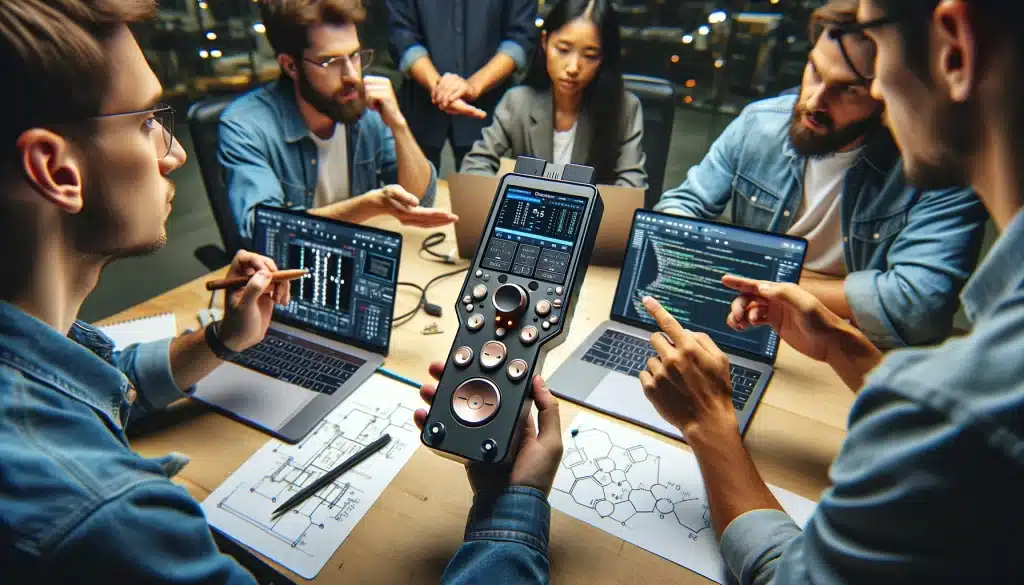
Custom controllers and software connected to APS through its public API.

GitHub repository

Our public API has a GitHub repository. Here you also find the source code of a Windows-app that you can use to test the commands sent to and from APS


Companion module

Our companion-module makes use of all the commands and feedback mentioned in this API. Since Companion is open source, all details on how this module is made can be found on Companions GitHub page

Frequently asked questions

Does APS have an API?
Yes. APS has a free public API for controlling and monitoring Auto Presentation Switcher over the local network. The public reference lives on GitHub.
What can I control with the APS API?
The API is built for APS show-control workflows, including presentation control, slide navigation, media and still-image commands, and the feedback used by remote controllers. The GitHub reference is the source of truth for the current command and feedback list.
Is this the same API used by the Bitfocus Companion module?
Yes. The APS Bitfocus Companion module is built on the same API, so it is both a ready-made control surface and a practical reference if you are building your own integration.
Can I control APS from Crestron, a Stream Deck, or my own app?
Yes. Custom controllers such as Crestron panels or web apps can talk to APS through the public API. For Stream Deck workflows, the usual starting point is Bitfocus Companion with the APS module.
Is the APS API free, and what do I need to use it?
The API is free for everyone to use. You need APS running on the local network, and the v2 API reference gives you the command details. The GitHub repo also includes a Windows test app for sending commands while you build.